Contact Form 7 is our recommended form plugin for WordPress. It’s a simple but powerful form builder.
After Contact Form 7 is installed, you’ll find a new menu item in your WordPress admin called Contact, where your forms are created and edited. If you imported a demo, you’ll see the forms we made for it. The demo forms send their messages to your site’s admin email (Settings → General → Administration Email Address).
Here’s the markup of the theme’s contact form, which you can paste into the Form tab of a form:
<div class="row">
  <div class="col-md-4">
    <div class="form-group">
      <label for="input-name">Your Name <span class="required">*</span></label>
      [text* input-name id:input-name class:form-control placeholder "Your full name..."]
    </div>
  </div>
  <div class="col-md-4">
    <div class="form-group">
      <label for="input-email">Your Email <span class="required">*</span></label>
      [email* input-email id:input-email class:form-control placeholder "Your email..."]
    </div>
  </div>
  <div class="col-md-4">
    <div class="form-group">
      <label for="input-subject">Subject</label>
      [text input-subject id:input-subject class:form-control placeholder "Your subject..."]
    </div>
  </div>
</div>
<div class="form-group">
  <label for="textarea">Your Message <span class="required">*</span></label>
  [textarea* textarea id:textarea class:form-control x5 placeholder "Enter your message here.."]
</div>
<div class="form-group form-group--submit">
  [submit id:submit class:btn class:btn-primary-inverse class:btn-lg class:btn-block "Send Your Message"]
</div>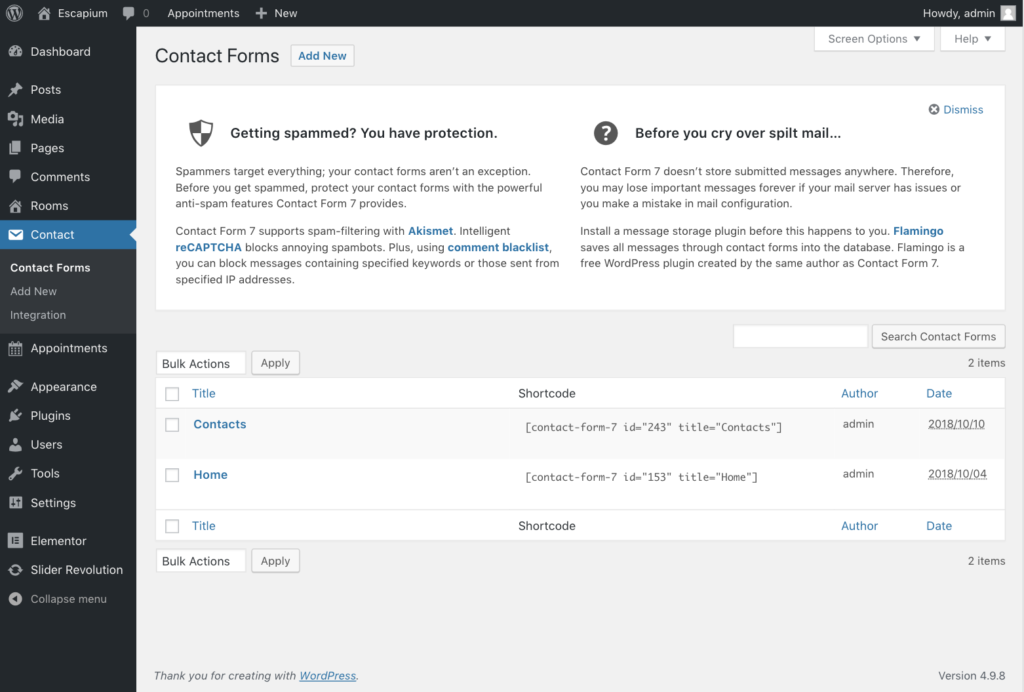
You can add more fields with the buttons above the form. After setting up your form, click Save.