Colors are set in Theme Options → Styling.
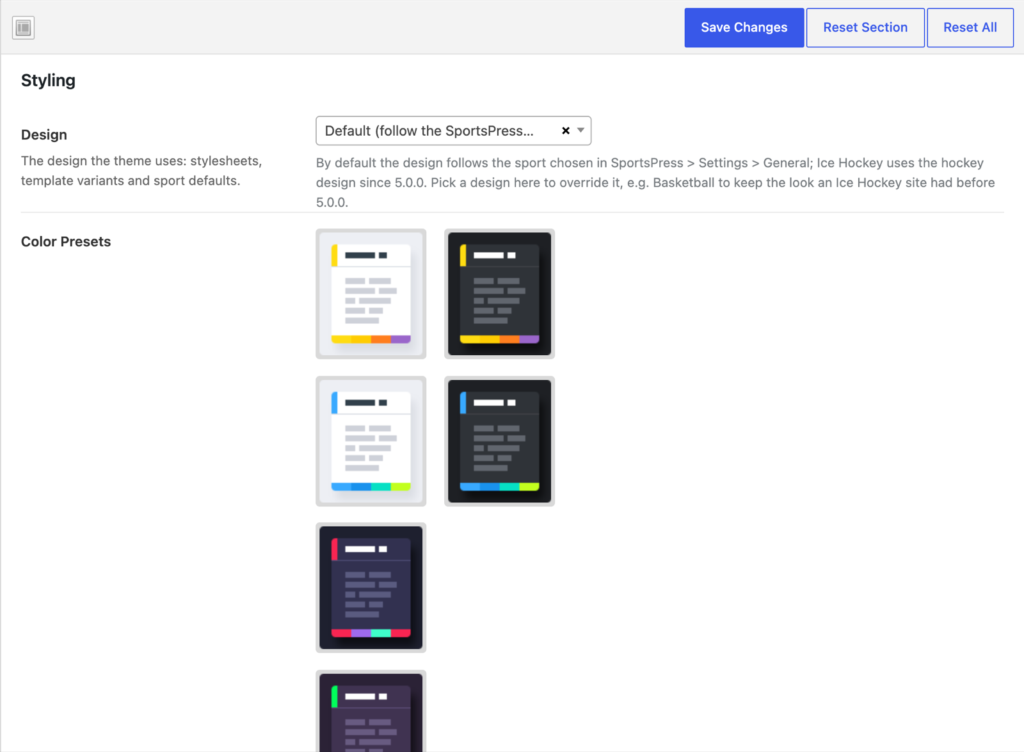
- Design: the design of the site (Basketball, Soccer, Football, Esports or Hockey). Default follows the sport chosen in SportsPress.
- Color Presets: ready-made color schemes of the designs (e.g. Basketball – Light, Hockey – Light). Picking a preset fills in the colors below.
- Primary Color, Dark Color, Secondary Color and the others: the base colors used across the site.
The subsections of Styling (Base, Cards, Links & Buttons, Form Controls, Tables, Bars, the header rows, Search Form, Mobile Header, Pushy Panel, Content, Blog and Footer) fine-tune the colors of each part of the site.