A favicon is the small icon shown in the browser tab, bookmarks and search results.
- Go to Settings → General.
- In the Site Icon section, click Select Site Icon.
- Upload your icon or choose an existing image from the media library.
- Click Save Changes.
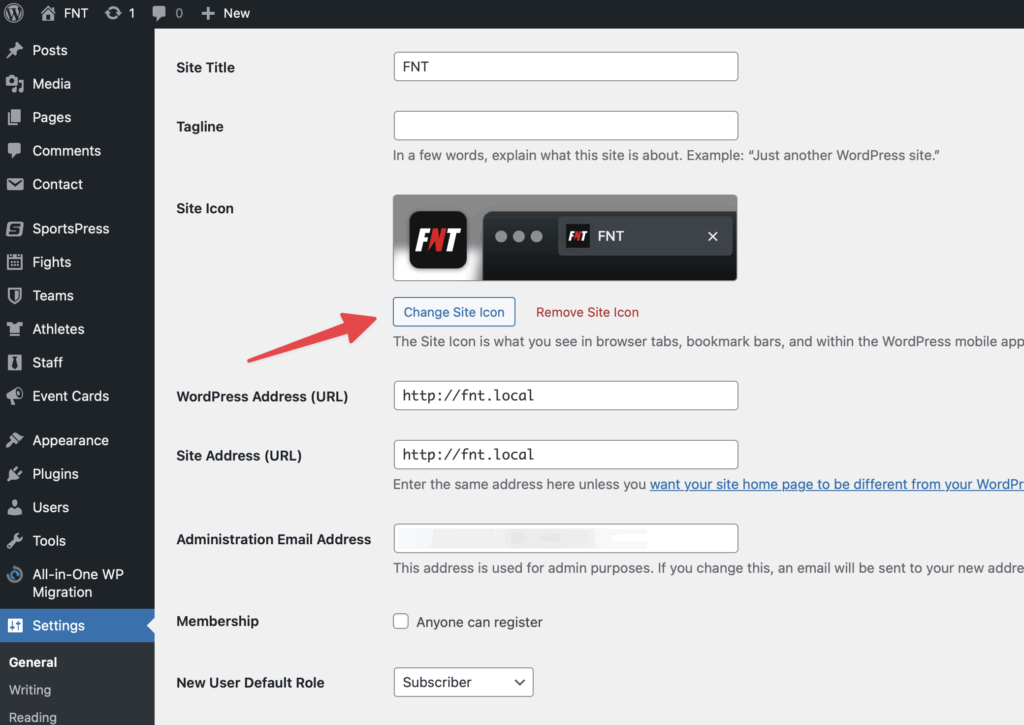
Use a square image of at least 512 × 512 pixels (PNG with transparency works best). If the new icon doesn’t show right away, clear your browser cache.