We have included the exported files of our demos, so you can quickly set up your site the same way a demo is set up.
Before you begin, make sure your license is active and all the required plugins are installed and activated. Import the demo on a fresh site: the importer adds the demo’s pages, posts, players, menus and settings next to what’s already there.
- Go to Appearance → Import Demo Data.
- Pick a demo: Basketball, Basketball Dark, Soccer, Soccer Dark, Football, eSports or Hockey.
- Click Import and confirm. Click it only once.
- Wait for the importer to finish. It downloads the demo images, so it can take a few minutes depending on your server.
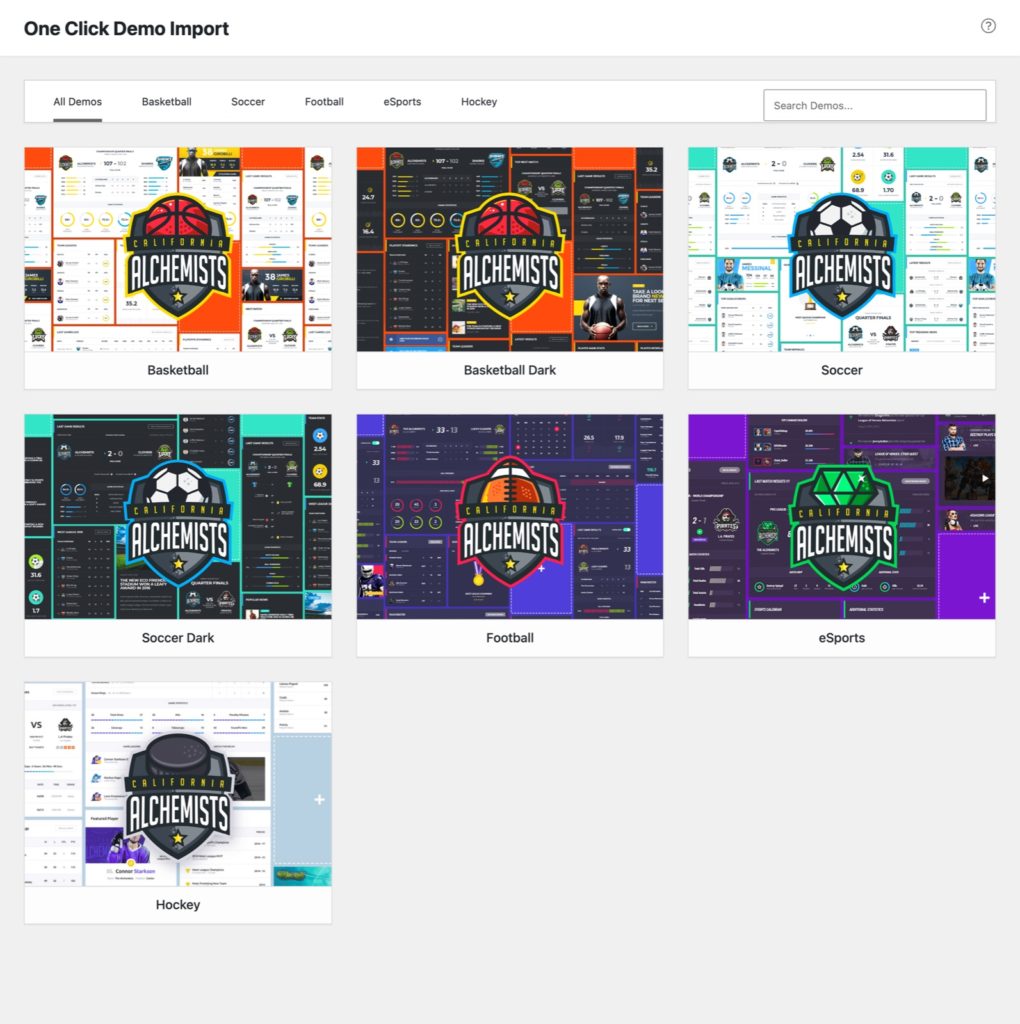
What the import sets up
Besides the content, widgets and Theme Options of the demo, the importer:
- assigns the demo’s menus to their locations and sets the home page and the blog page;
- sets the sport of SportsPress to the demo’s sport and applies its statistics and settings;
- for the Hockey demo, also uses the demo’s shop pages (Shop, Cart, Checkout, My Account) in place of the empty ones WooCommerce made, turns on the SportsPress Officials module for the referees and linesmen, and sets the arenas’ addresses and maps.
The imported posts belong to the user who runs the import.
The demo images are for preview purposes only. Please replace them with your own before going live.