Aphelion is activated with a license key: a short code starting with sk_. It was emailed to you right after checkout on dan-fisher.dev, and you can always look it up in the Freemius User Dashboard (log in with the email you used at purchase).
Activating the theme
- In your WordPress admin, go to Appearance → Theme License.
- Paste your license key.
- Click Agree & Activate License.
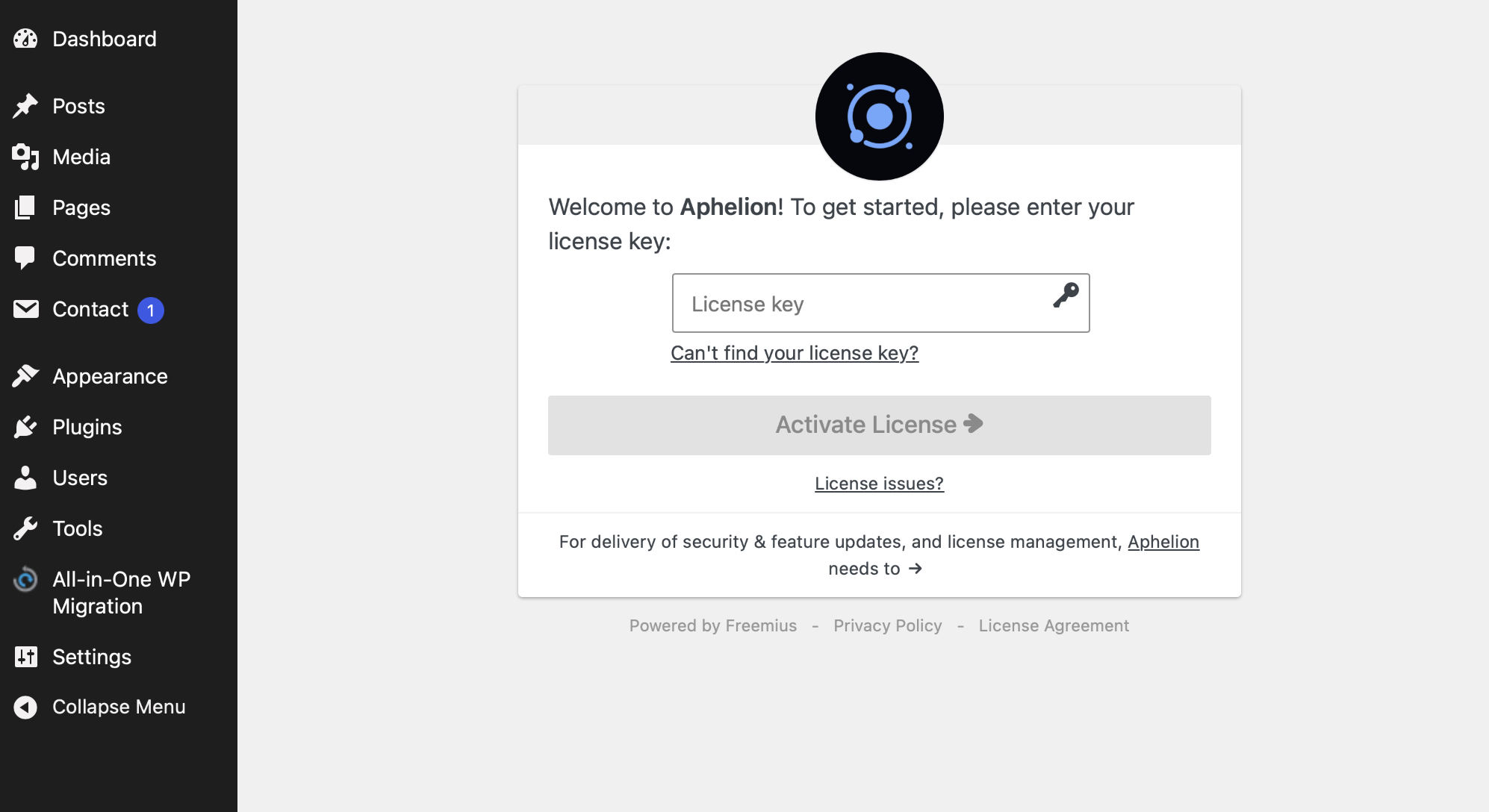
That’s it. You’ll land on your account page with a confirmation that the theme was activated. From this point on, your license unlocks:
- Demo content import, so you can start from a working copy of the demo
- Automatic theme updates, delivered right in your dashboard with no manual downloads
- Block Motion, the premium plugin for the theme’s scroll and page-load animations (Aphelion 1.1.0 and later), installed from Appearance → Install Plugins
Trouble activating?
Check the Troubleshooting article first. If your key won’t activate, the most common reason is that it’s still active on another site. A license covers one site at a time, and you can free it up in the User Dashboard.