When you first install the theme you’ll see a notice in your dashboard asking you to install a few plugins. Allow the theme to install these for you — click Begin Installing Plugins and follow the instructions. You can install all plugins at the same time by checking the box at the top of the list.
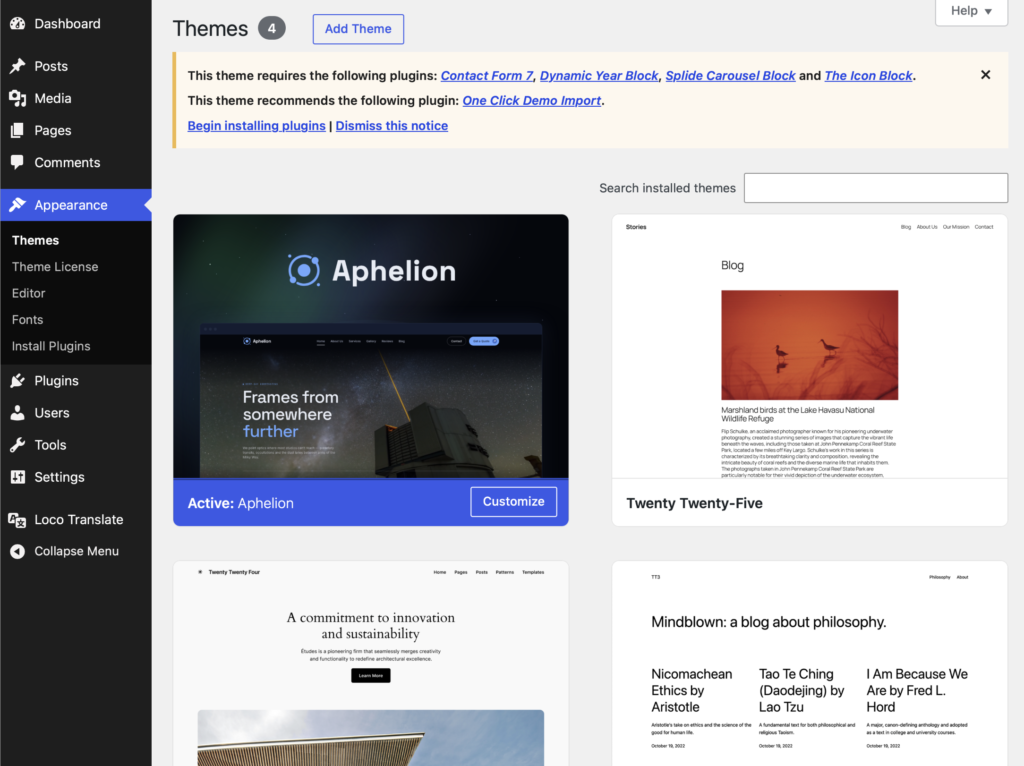
Everything Aphelion asks for is free and comes from WordPress.org:
- Contact Form 7 — powers the quote/contact form
- The Icon Block — the interface icons used across the theme
- Splide Carousel Block — the sliders and carousels
- Dynamic Year Block — keeps the footer copyright year current
- One Click Demo Import (recommended) — needed only if you want to import the demo content
There are no premium plugins to license and nothing extra to renew.