Voelas is activated with a license key — a short code starting with sk_. It was emailed to you right after checkout on dan-fisher.dev, and you can always look it up in the Freemius User Dashboard (log in with the email you used at purchase).
Activating the theme
- In your WordPress admin, go to Appearance → Theme License.
- Paste your license key.
- Click Agree & Activate License.
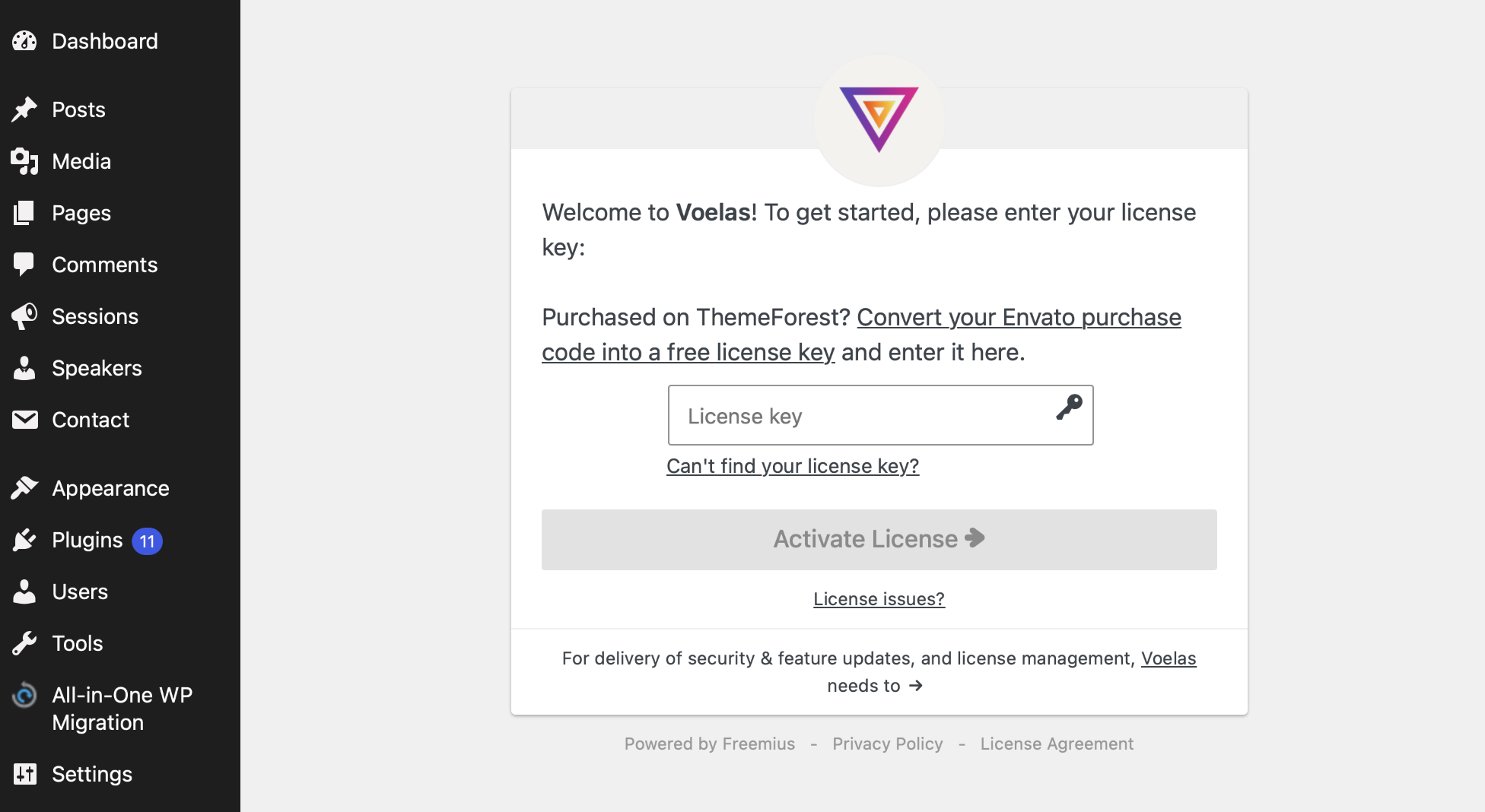
That’s it — you’ll land on your account page with a confirmation that the theme was activated. From this point on, your license unlocks:
- Bundled premium plugins — installed with one click from Appearance → Install Plugins
- Demo content import — so you can start from a working copy of the demo
- Automatic theme updates — delivered right in your dashboard, no manual downloads
Purchased on ThemeForest?
Your Envato purchase code isn’t a license key, but it converts into one for free. Go to dan-fisher.dev/migrate, paste your purchase code, and you’ll receive a license key you can activate right away.
Trouble activating?
Check the Troubleshooting article first. If your key won’t activate, the most common reason is that it’s still active on another site — a license covers one site at a time, and you can free it up in the User Dashboard.