To build your site you can also use Widgets. Navigate to Appearance > Widgets and using drag-and-drop interface place widgets into Widgets Area (Sidebar, Footer Widget Area 1 etc.)
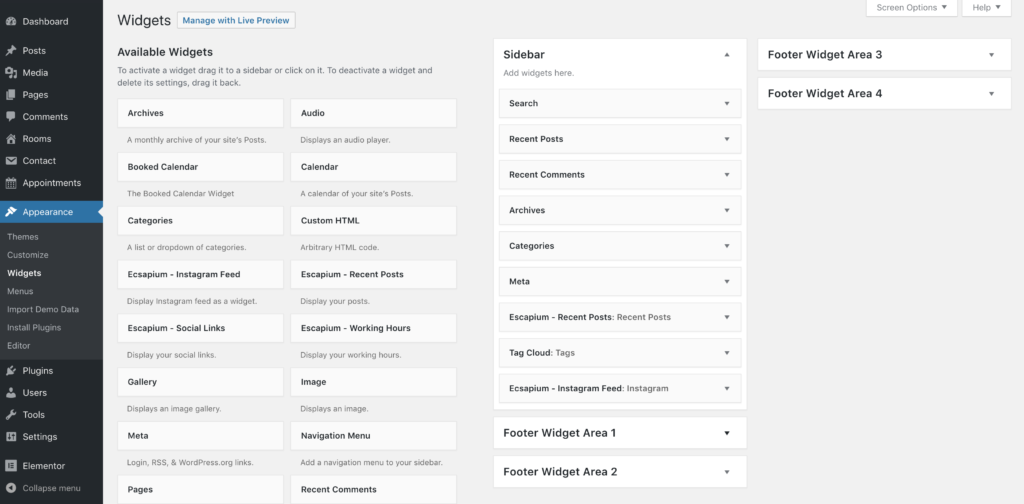
Note, all custom widgets have Escapium prefix, e.g. Escapium – Social Links
The Escapium – Social Links widget has fields for Facebook, Twitter, Instagram, Yelp and YouTube. To link to another network, add the address under Custom Social Links. The widget picks the icon from the address and knows most networks, such as LinkedIn, TikTok, Pinterest and Discord.
Since Escapium 2.5.1 this includes TripAdvisor: add your TripAdvisor page under Custom Social Links.
Get more info about widgets here.